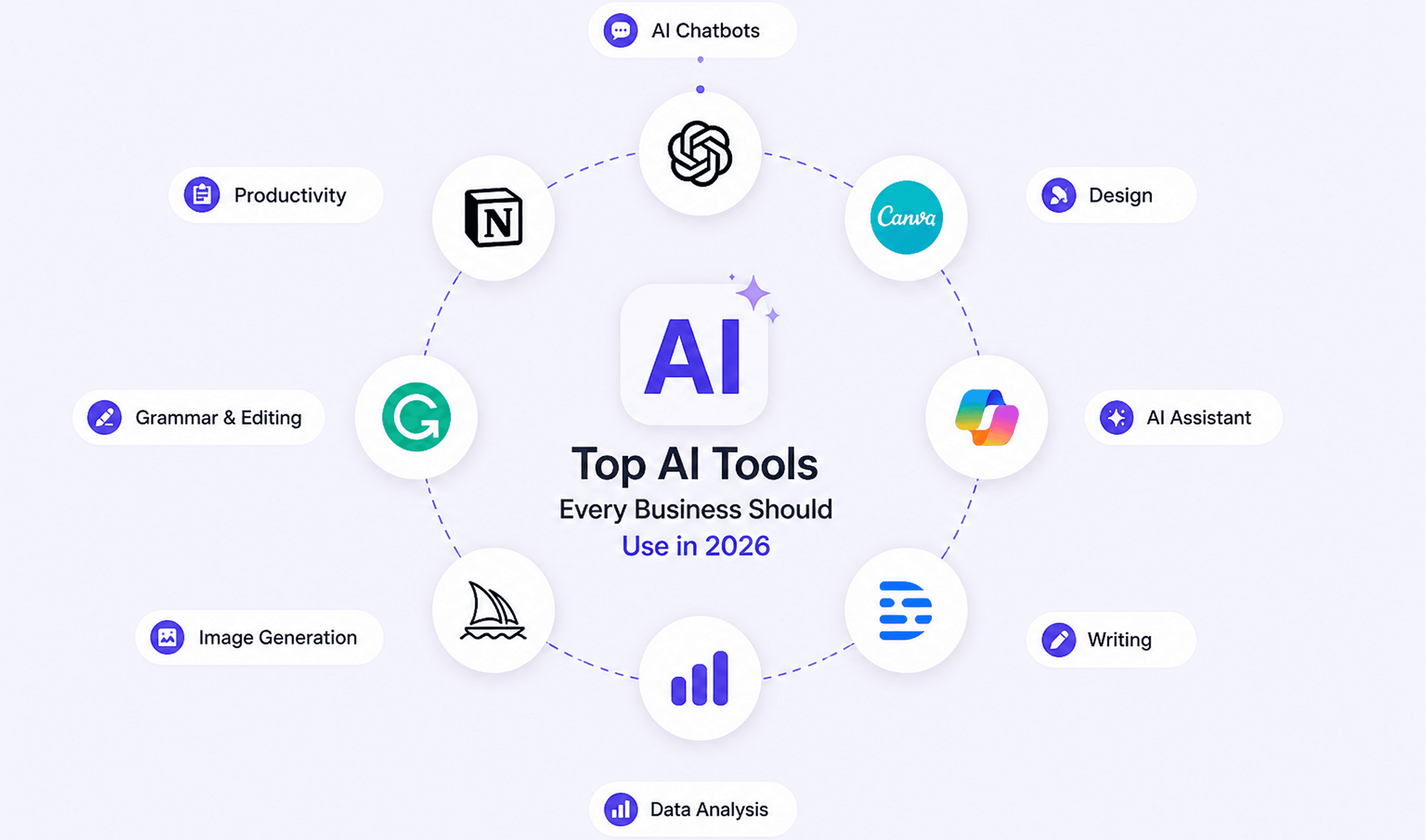
A few years ago, AI felt like a thing for Silicon Valley engineers and science fiction writers. In 2026, it is the tool your competitor is using to answer customer emails at midnight, write a week of social media content in 20 minutes, and predict which leads are most likely to convert before the sales team even picks up the phone.
The numbers tell the story clearly. In 2025, 58% of small businesses now use generative AI, up from just 40% in 2024, according to the U.S. Chamber of Commerce. Businesses using AI strategically report an average return of $3.70 for every dollar invested. And employees in organisations with mature AI implementation save an average of 114 hours per year, nearly three full working weeks by automating tasks they used to do manually.
The gap between businesses using AI and those waiting to "see how it develops" is widening fast. This guide is for business owners and managers who want to close that gap, without needing a computer science degree to do it.
We have broken down the best AI tools for business in 2026 by category, explained what each one actually does, and included real use cases so you can see exactly how they fit into a working day.
Why Now? The Case for Adopting AI in Your Business
Before we get into specific tools, it is worth addressing the question some business owners still have: "Do I actually need this?"
The honest answer is that you probably already need it, even if you have not fully felt the pressure yet.
AI adoption in SMBs more than doubled in the US between 2023 and 2024, jumping from 14% to 39%, and reached 55% by 2026. Businesses that have adopted AI report that 91% say it directly boosts their revenue, according to a Salesforce study. On the cost side, entrepreneurs adopting AI tools report saving between $500 and $2,000 per month after implementation, with many saving 20 or more hours per month by automating repetitive tasks.
The businesses that move first benefit most. Early adopters of generative AI are already reporting 3.7x returns on every dollar invested. That multiplier does not last forever as adoption becomes mainstream.
What has changed in 2026 is that AI tools have become genuinely accessible to non-technical users. You no longer need to understand how a large language model works to use one. Most of the tools in this guide require nothing more than the ability to type a question or describe what you need.
How to Read This Guide
We have organised the tools into seven practical categories, each matching a common business function where AI is delivering measurable results. For each tool we cover:
- What it does in plain language
- The best use case for a small or medium-sized business
- Rough pricing so you can budget realistically
You do not need to adopt every tool on this list. The most effective approach is to start with the category that represents your biggest time drain or most pressing bottleneck, get comfortable with one tool there, and expand from that foundation.
Category 1: AI Writing and Content Creation
The problem it solves: Creating quality content consistently is one of the biggest operational burdens for SMBs. Blog posts, social media captions, email newsletters, product descriptions, job ads, the list never ends, and good writing takes time.
The AI opportunity: AI writing tools can generate a first draft of almost any content type in seconds. That draft usually needs editing and personalising, but it eliminates the blank page problem and dramatically speeds up the production process. Businesses using AI for content report increasing output by 40 to 60% without hiring additional staff.
ChatGPT (OpenAI)
ChatGPT (OpenAI)
ChatGPT has become the Swiss Army knife of business AI. In 2026, it handles far more than writing: it drafts emails, summarises long documents, answers customer queries, creates social media content, generates meeting agendas, helps with research, and writes basic code. The Business and Enterprise tiers add data privacy controls, custom instructions, and integrations with your existing tools.
Best use case for SMBs: Customer email drafting, FAQ creation, blog post outlines, and internal documentation. One of our clients in [industry] reduced the time their team spent on routine email responses by over 60% by training a custom ChatGPT prompt for their most common query types.
Pricing: Free tier available. ChatGPT Plus at $20/month per user. Enterprise pricing on request.
[INTERNAL LINK PLACEHOLDER]: Link to your "AI Solutions" or "AI Consulting" service page here.
Jasper AI
Jasper AI
Jasper is built specifically for marketing content. Its Brand Voice feature learns your company's tone and style from examples you provide, ensuring all generated content reads consistently, a significant advantage for teams where multiple people write customer-facing copy.
Best use case for SMBs: Marketing teams that need to produce blogs, ad copy, email sequences, and social content at scale without a full-time copywriter.
Pricing: From $49/month. Teams plan from $125/month.
Grammarly Business
Grammarly Business
More than a spellchecker, Grammarly's AI analyses writing for tone, clarity, engagement, and appropriateness for the context. The Business tier includes team-wide style guides that enforce consistent brand communication across all employees' written output.
Best use case for SMBs: Any business where multiple people write customer-facing emails, proposals, or documents. Particularly valuable for teams where writing quality varies.
Pricing: Business plan from $15/member/month.
Category 2: AI Automation and Workflow Tools
The problem it solves: Most businesses run on dozens of disconnected apps. Information gets entered manually into multiple systems. Tasks fall through the cracks. Repetitive processes eat hours every week.
The AI opportunity: AI automation tools connect your apps and automate the handoffs between them. When a new lead comes in from your website, it automatically gets added to your CRM, a welcome email goes out, and your sales rep gets a Slack notification with no one touching a keyboard. Over half of small businesses running AI automation in their workflows report productivity improvements exceeding 50%.
Zapier
Zapier
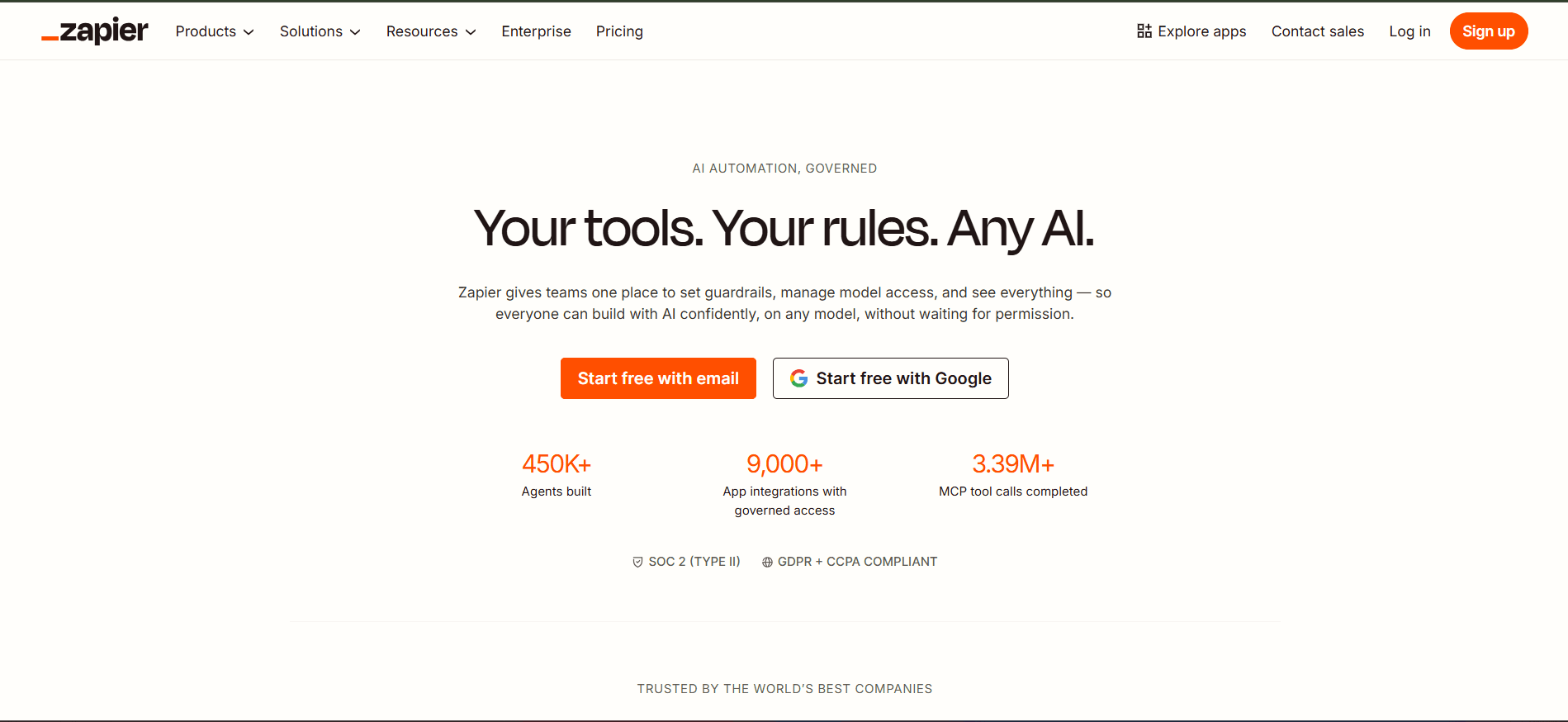
Zapier connects over 7,000 apps and automates the workflows between them using trigger-action logic. In 2026, its AI capabilities have advanced significantly: Zapier's Copilot lets you describe a workflow in plain English ("When a new Stripe payment comes in, add the customer to Mailchimp and send me a Slack message"), and it builds the automation for you. Zapier Agents can handle multi-step autonomous tasks across your tech stack.
Best use case for SMBs: Any business that uses more than three or four digital tools and is manually transferring data between them. Start by identifying one repetitive three-step process and automate it. Most businesses find at least five more within a week.
Pricing: Free tier available. Paid plans from $29.99/month.
Make (formerly Integromat)
Make (formerly Integromat)
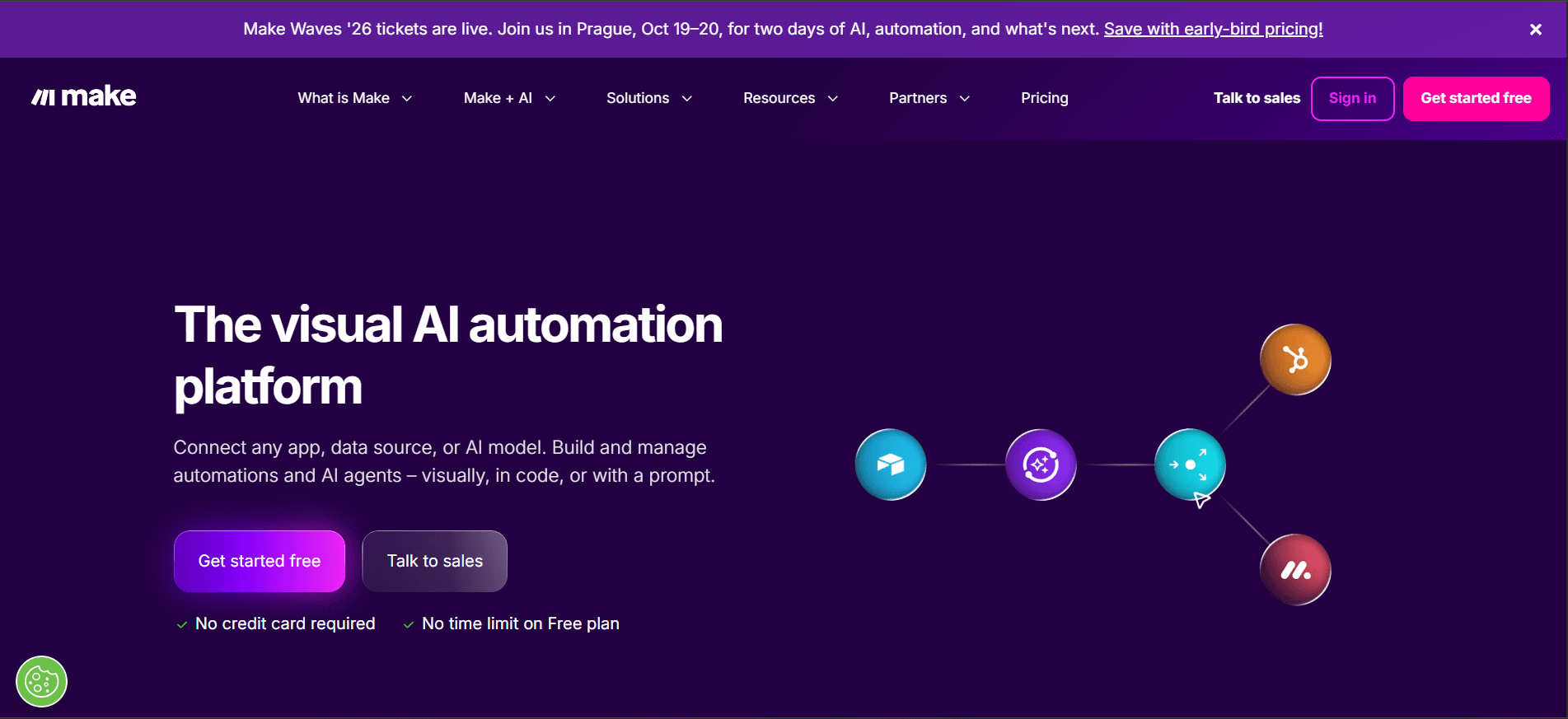
Make offers a more advanced workflow logic than Zapier, with visual flowchart-style automation building that handles complex, branching scenarios. Better suited to teams with some technical comfort who need more sophisticated automation logic.
Best use case for SMBs: E-commerce businesses, agencies, or operations teams with complex, conditional workflows that go beyond simple trigger-action patterns.
Pricing: Free tier available. Paid plans from $9/month.
Notion AI
Notion AI
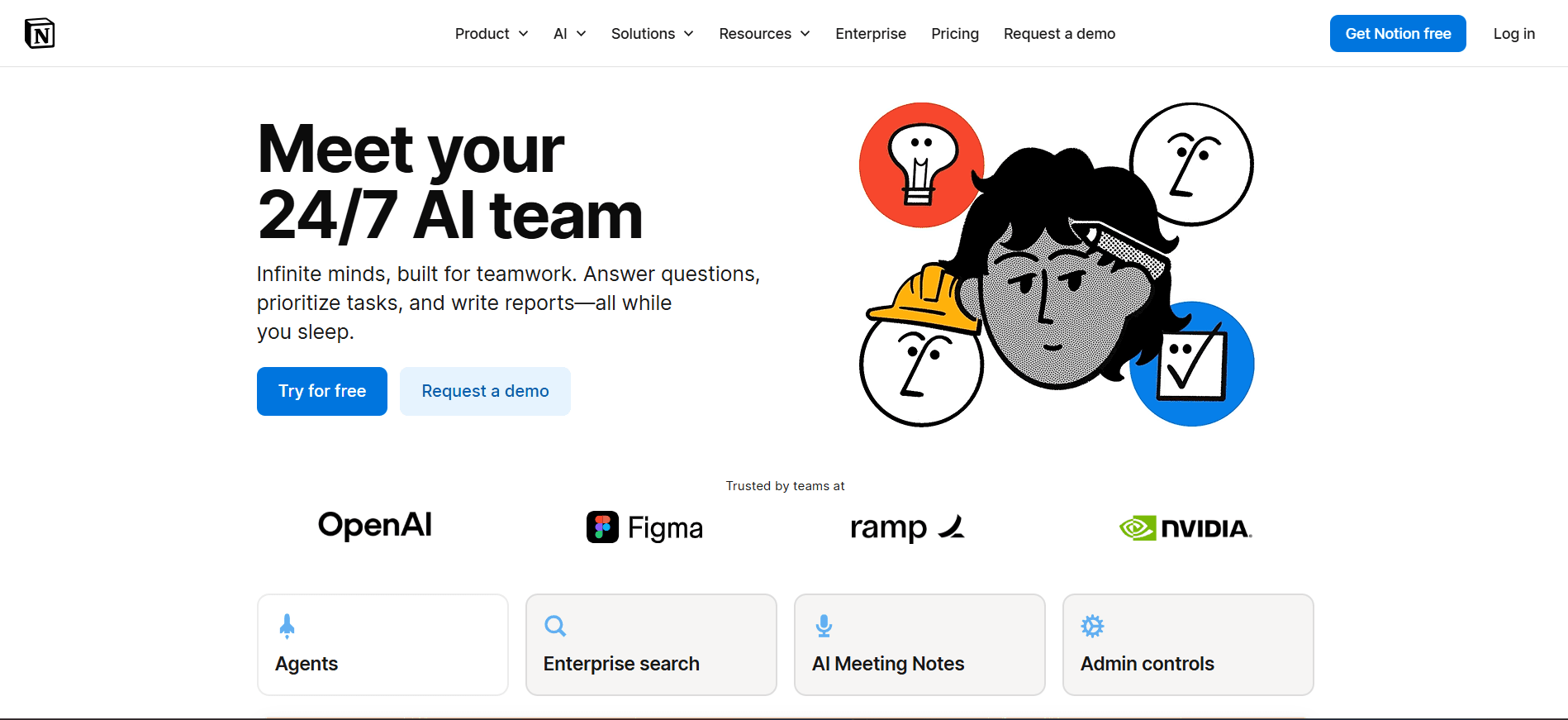
Notion is a team workspace for documents, databases, project management, and knowledge bases. Its AI layer summarises long documents, converts meeting notes into action items, generates content drafts, and answers questions about your stored information. For teams drowning in documents and disconnected notes, Notion AI acts like a smart, organised colleague who has read everything.
Best use case for SMBs: Teams that need a central hub for knowledge, projects, and documentation. Particularly powerful for onboarding new staff and maintaining consistent internal processes.
Pricing: AI add-on from $10/member/month on top of Notion's base plans (which start free).
Category 3: AI for Customer Service and Support
The problem it solves: Customer queries come in at all hours, and slow or inconsistent responses damage trust and lose sales. Hiring enough people to provide 24/7 support is not realistic for most SMBs.
The AI opportunity: AI customer service tools handle common queries instantly, around the clock, escalating to a human only when genuinely needed. BCG data shows that customer service functions currently generate 38% of AI's total business value, making this one of the highest-ROI places to start. 53% of small business owners report noticeable improvements in customer experience after implementing AI solutions.
Intercom (with Fin AI Agent)
Intercom (with Fin AI Agent)
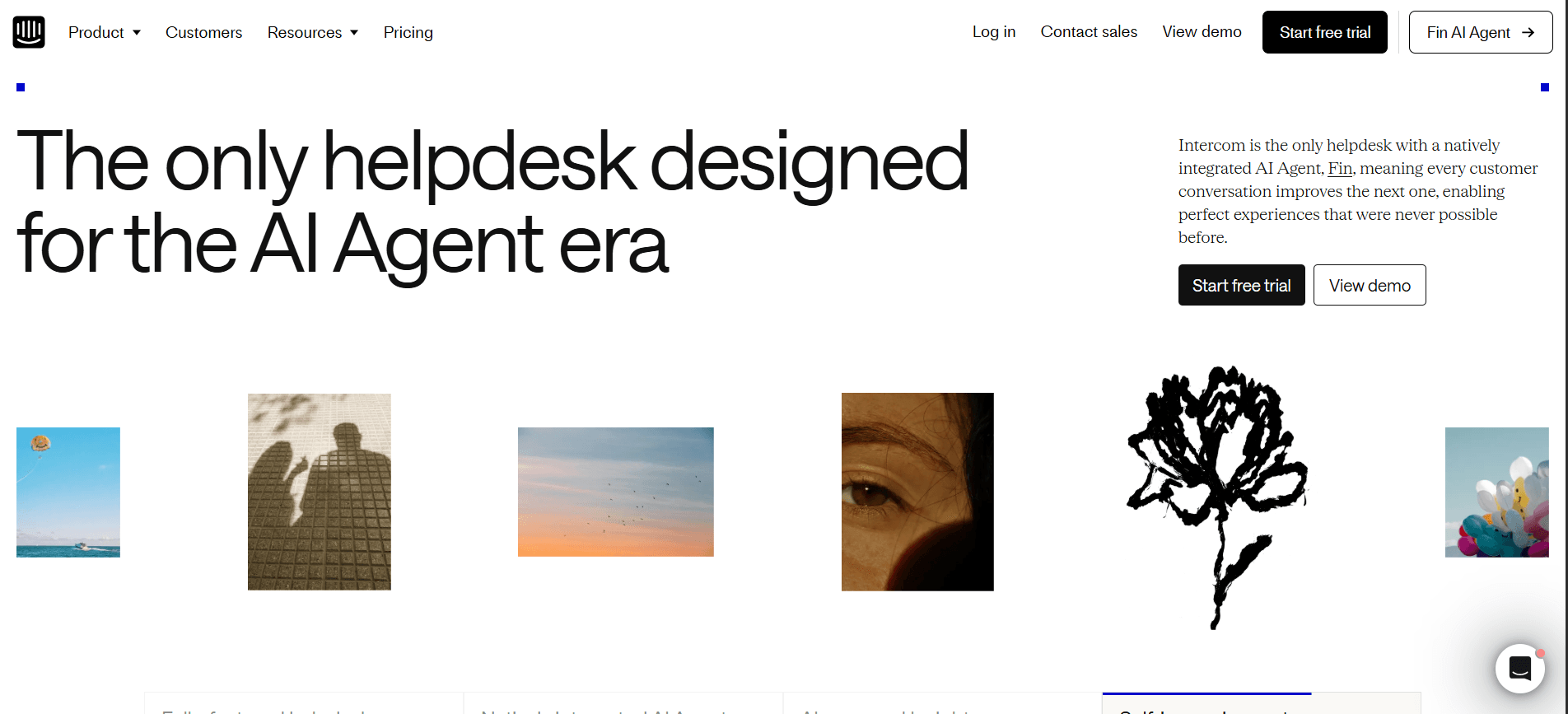
Intercom's Fin is an AI support agent trained on your existing help documentation. It handles customer queries in natural language, resolves common issues instantly, and passes complex conversations to a human agent with full context. Unlike early chatbots that frustrated customers with rigid scripts, Fin understands context and provides genuinely useful responses.
Best use case for SMBs: E-commerce businesses, SaaS products, and any business with a significant volume of repetitive customer queries (order status, returns, pricing, booking).
Pricing: Intercom starts at $39/month. Fin AI Agent pricing is usage-based on top of this.
Tidio
Tidio
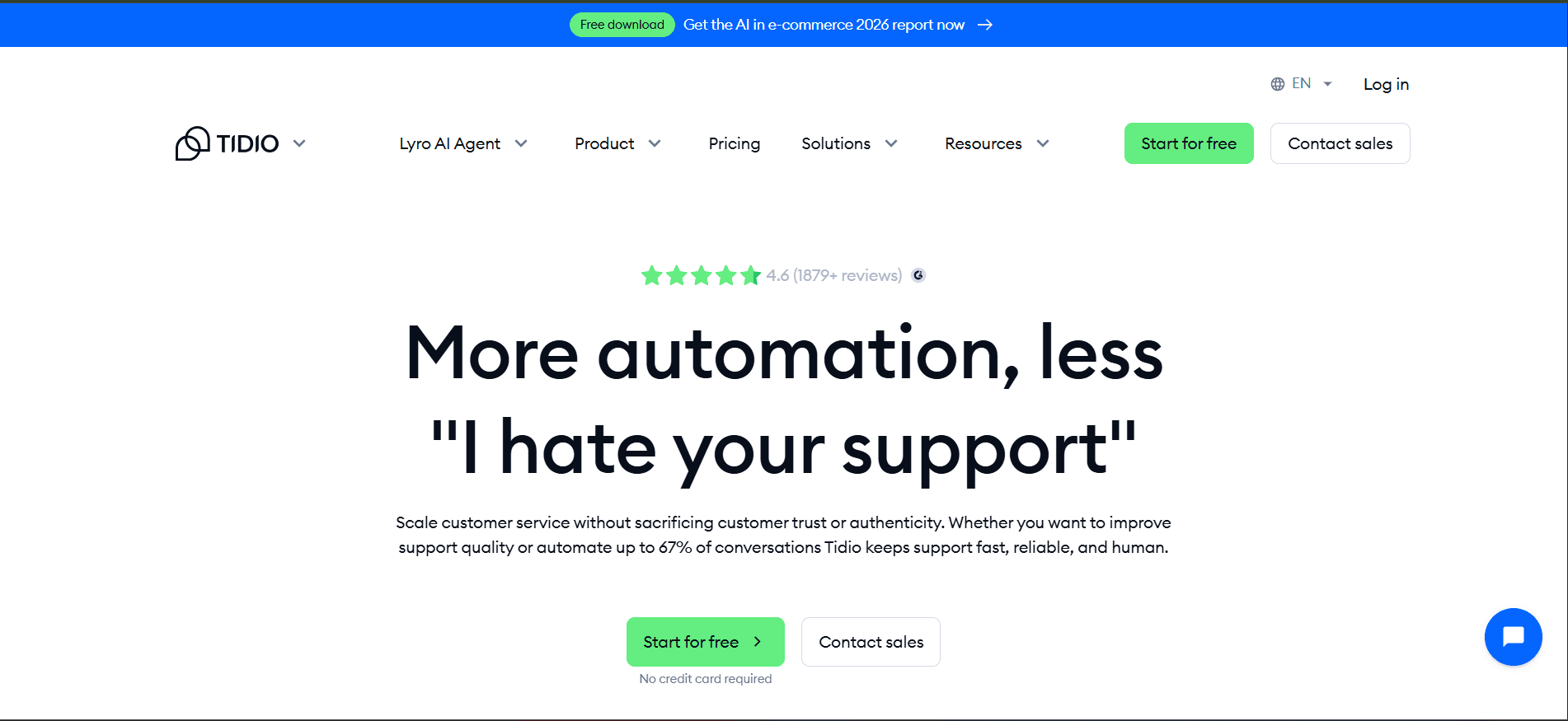
Tidio is a more accessible AI customer service platform built for small businesses. Its Lyro AI agent handles up to 70% of customer questions automatically, based on your FAQs and product information. Simple to set up, no technical expertise required.
Best use case for SMBs: Small e-commerce shops, service businesses, and any team that receives a high volume of repetitive enquiries via website chat.
Pricing: Free tier available. Lyro AI from $29/month.
Zoho Desk with Zia AI
Zoho Desk with Zia AI
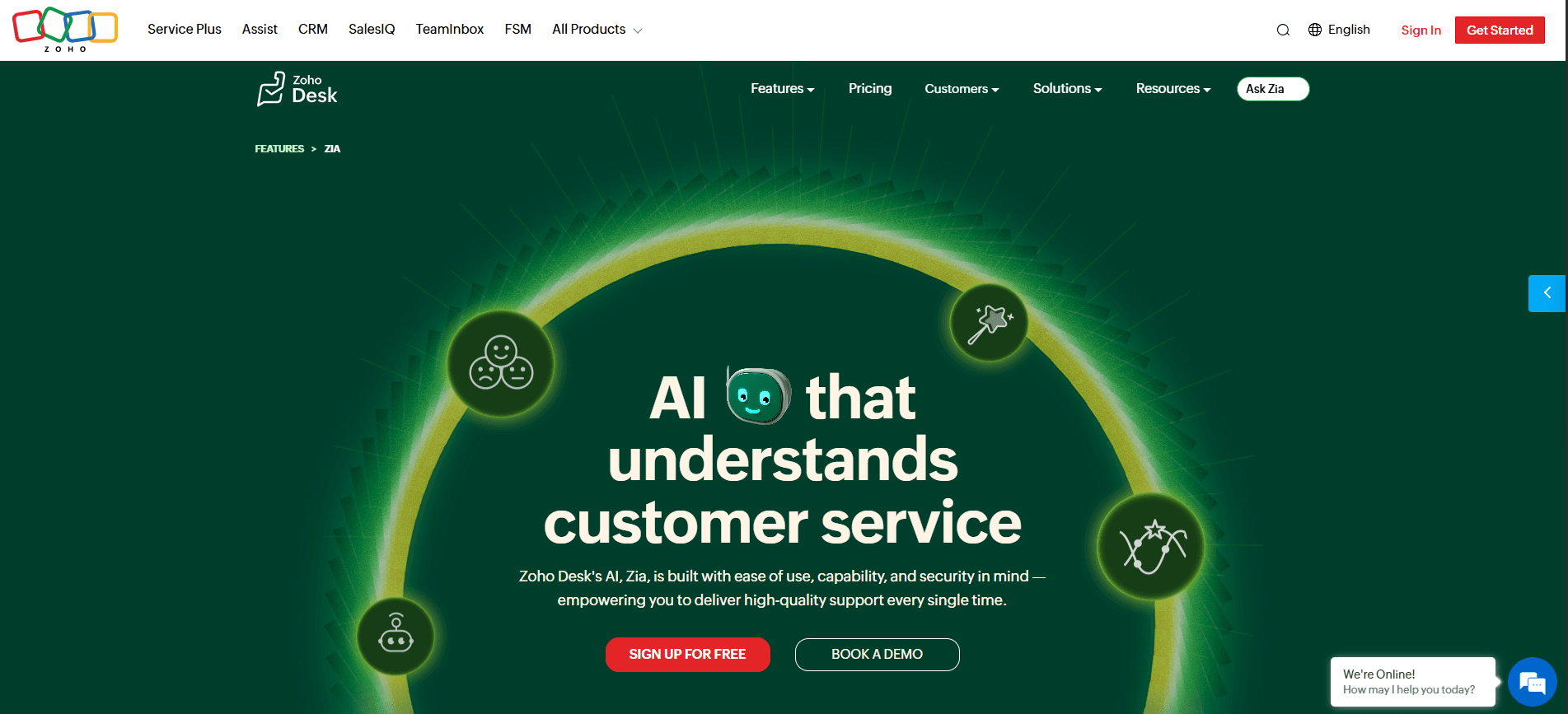
For businesses already using Zoho's suite of tools, Zia is the AI assistant built into Zoho CRM and Zoho Desk. It handles lead scoring, answers customer queries, automates ticket routing, and surfaces relevant information to support agents mid-conversation. The integration with Zoho's wider ecosystem makes it particularly powerful for businesses already using Zoho for CRM or accounting.
Best use case for SMBs: Businesses already in the Zoho ecosystem looking to add AI to their customer service and sales workflows without switching platforms.
Pricing: Included in Zoho Desk plans from $14/user/month.
Category 4: AI for Sales and CRM
The problem it solves: Sales teams spend too much time on administrative tasks, logging calls, updating CRM records, researching prospects, writing follow-up emails, and not enough time actually selling. LinkedIn research found that sellers using AI for research save 1.5 hours per week. HubSpot data shows 64% of sales reps save one to five hours weekly through AI automation. Bain projects AI could effectively double active selling time by eliminating routine tasks.
The AI opportunity: AI sales tools automate the admin, surface the right leads at the right time, and help reps focus their energy where it is most likely to convert.
HubSpot AI CRM
HubSpot AI CRM
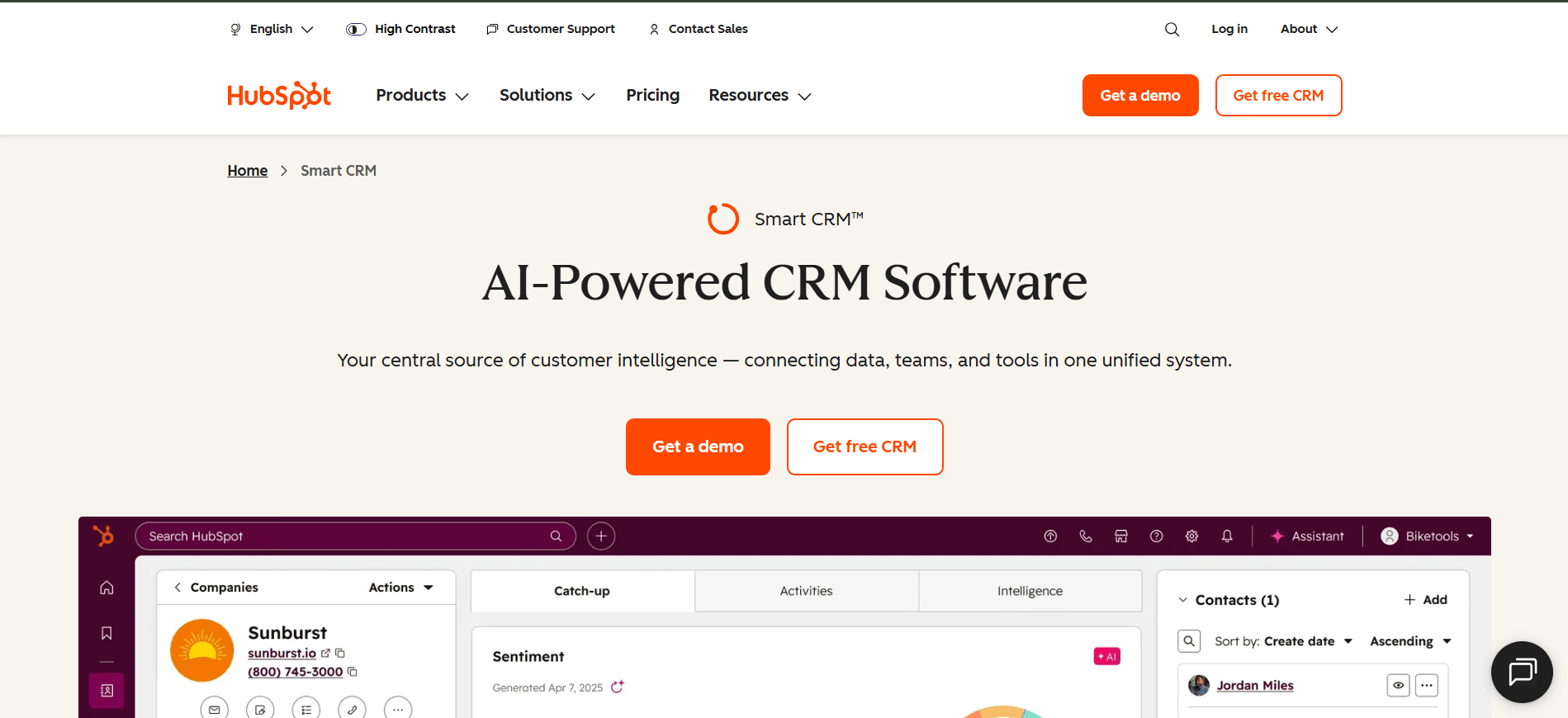
HubSpot's AI suite goes well beyond contact management. Its AI features generate email drafts, suggest follow-up actions, score leads by conversion likelihood, summarise call notes, and forecast pipeline performance. The interface is beginner-friendly, making it one of the most accessible AI-powered CRM platforms for SMBs.
Best use case for SMBs: Any business with an active sales pipeline that needs help prioritising leads, automating follow-ups, and reducing CRM admin time.
Pricing: Free CRM available. AI features in paid plans from $15/user/month.
Salesforce Einstein
Salesforce Einstein
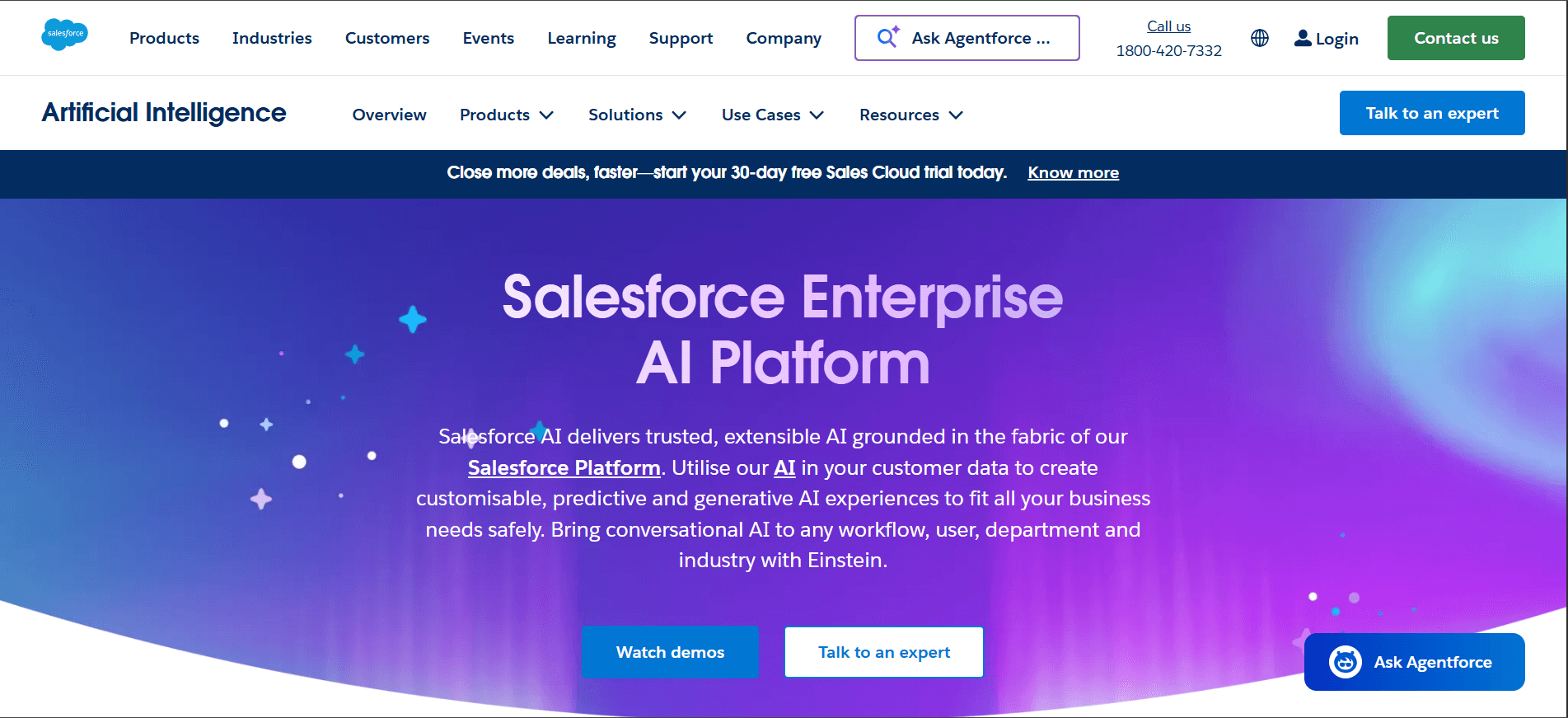
Salesforce's AI layer, Einstein, is the enterprise standard for AI-powered sales and service automation. It predicts deal close likelihood, surfaces next best actions, automates data entry, and generates personalised outreach. More powerful than HubSpot but also more complex and significantly more expensive.
Best use case for SMBs: Growing businesses that are scaling their sales operations and need sophisticated pipeline intelligence. Best suited to businesses already using Salesforce or planning to.
Pricing: Salesforce plans from $25/user/month. Einstein features in higher tiers.
Category 5: AI for Meetings and Productivity
The problem it solves: Meetings eat time. Following up on action items, writing up notes, and remembering what was actually decided in the last call are perpetual productivity drains for busy teams.
The AI opportunity: AI meeting tools join your calls automatically, transcribe everything, summarise key decisions and action items, and send follow-ups so your team can be present in the meeting instead of furiously taking notes.
Otter.ai
Otter.ai
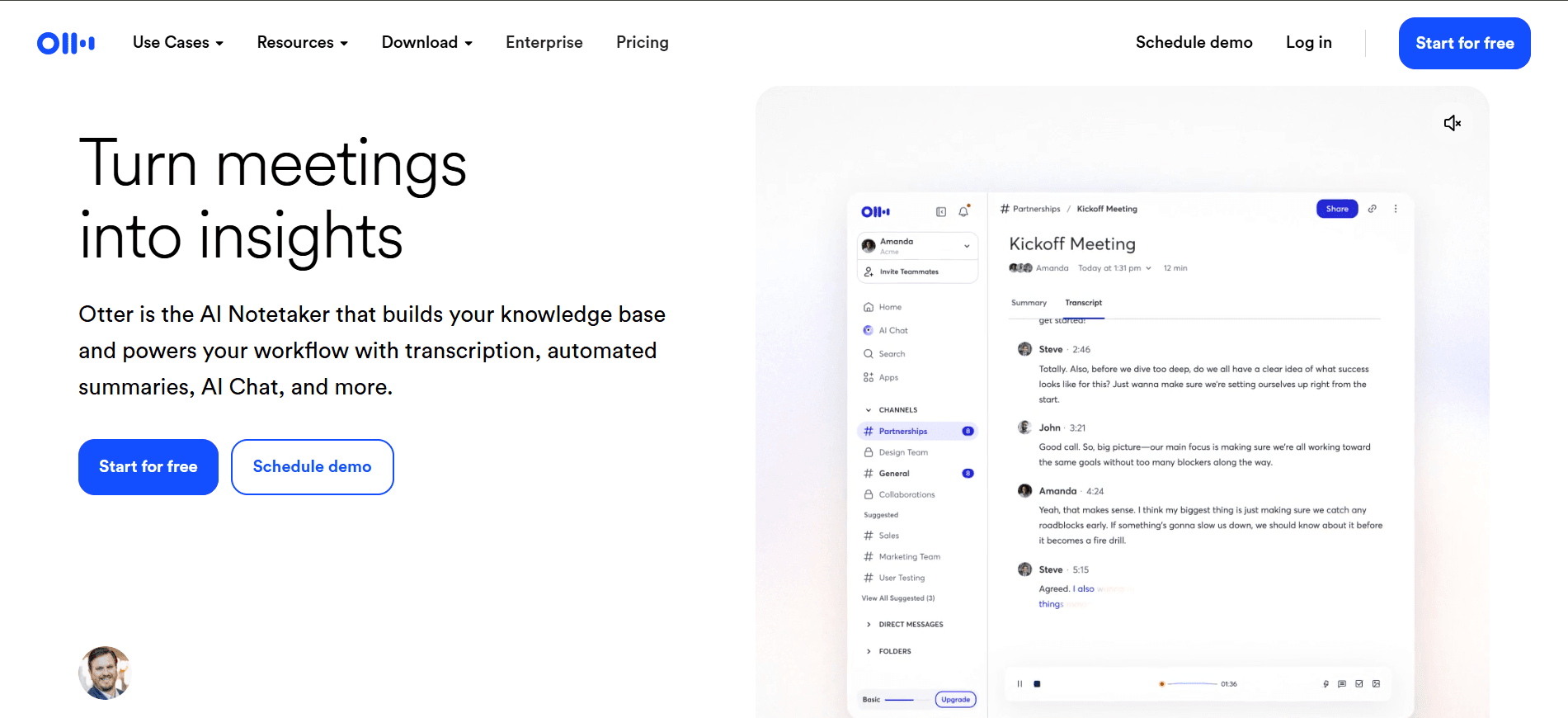
Otter joins your Zoom, Google Meet, or Microsoft Teams calls and produces a real-time transcript with speaker identification. After the call, it generates a summary of key points and action items. The Business tier integrates with Salesforce and HubSpot to push meeting notes directly into your CRM records.
Best use case for SMBs: Any team holding regular client calls, internal meetings, or sales demos where follow-up consistency matters.
Pricing: Free tier available. Business plans from $20/user/month.
Fireflies.ai
Fireflies.ai
Fireflies records, transcribes, and summarises meetings similarly to Otter, with additional features for searching across all past meeting transcripts, tracking action items, and generating clips of specific moments. Strong integrations with project management tools like Asana and ClickUp.
Best use case for SMBs: Teams that need to search back through past meetings, track recurring topics across calls, or share meeting highlights with people who were not present.
Pricing: Free tier available. Pro plans from $18/user/month.
Microsoft Copilot (for Microsoft 365 users)
Microsoft Copilot (for Microsoft 365 users)
If your business already uses Microsoft 365 Outlook, Teams, Word, Excel, and PowerPoint, Copilot integrates AI across all of them. It drafts emails in Outlook, summarises Teams meetings, generates PowerPoint slides from a brief, and analyses data in Excel with natural language prompts. For businesses already invested in the Microsoft ecosystem, Copilot is one of the highest-value AI additions available.
Best use case for SMBs: Any business running on Microsoft 365 that wants AI built directly into the tools their team already uses every day.
Pricing: Microsoft 365 Copilot from $30/user/month added to qualifying M365 plans.
Category 6: AI for Marketing and Social Media
The problem it solves: Consistent, quality marketing content is essential for business growth,h but enormously time-consuming to produce. Social media, email campaigns, blog content, and ad creative all compete for the same stretched marketing resource.
The AI opportunity: AI marketing tools handle the heavy lifting of content generation, scheduling, and performance analysis, freeing your team to focus on strategy and creative direction rather than execution. 77% of SMBs say marketing and customer engagement are the top areas where they plan to deploy new AI solutions.
Buffer with AI Assistant
Buffer with AI Assistant
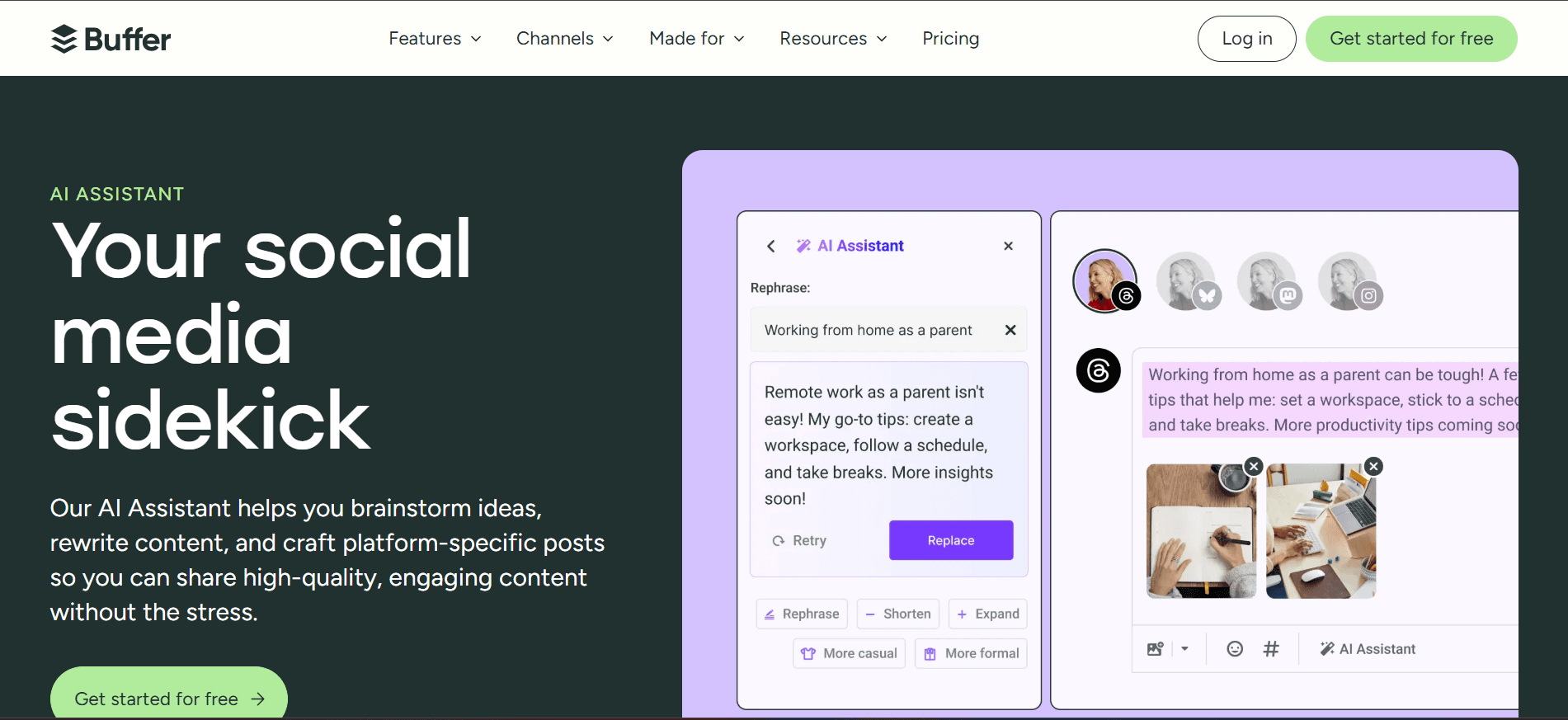
Buffer is a social media scheduling tool with an AI Assistant that generates post ideas, writes captions, suggests optimal posting times, and repurposes existing content into different formats for different platforms. Practical and accessible for businesses without a dedicated social media manager.
Best use case for SMBs: Any business that needs to maintain a consistent social media presence without spending hours each week writing and scheduling posts manually.
Pricing: Free tier available. Paid plans from $6/month per channel.
Mailchimp with AI
Mailchimp with AI
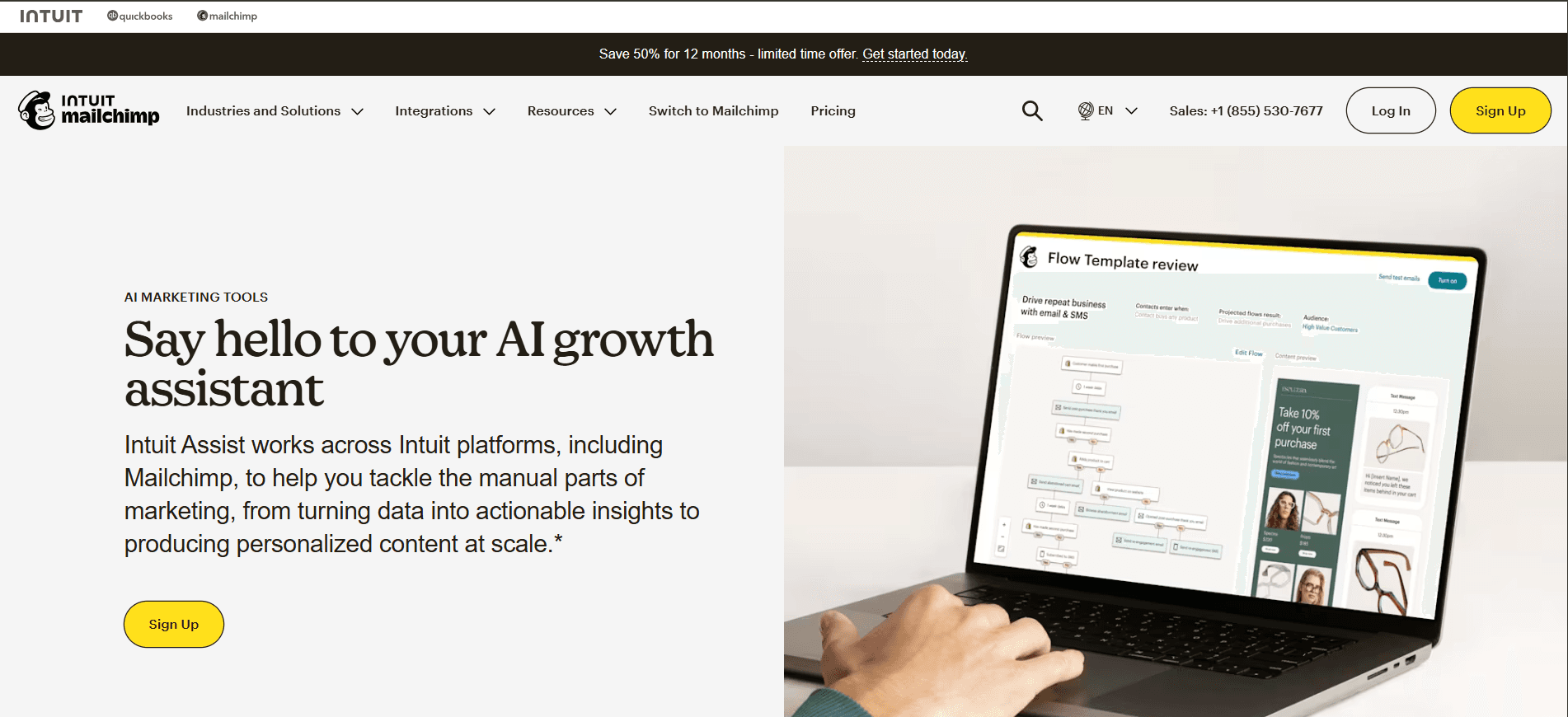
Mailchimp's AI features generate email subject lines, suggest send times based on audience behaviour, personalise content by segment, and predict which subscribers are most likely to engage or unsubscribe. For businesses already using Mailchimp for email marketing, upgrading to use these AI features is one of the easiest ways to improve campaign performance.
Best use case for SMBs: Businesses with an email list that want to improve open rates, click rates, and conversions without redesigning their entire email strategy.
Pricing: Free tier up to 500 contacts. Paid plans from $13/month.
Surfer SEO
Surfer SEO
Surfer SEO uses AI to analyse the top-ranking content for any keyword and gives you a detailed content brief including target word count, key topics to cover, headings to include, and keyword usage so that the content you create has the best possible chance of ranking in search results.
Best use case for SMBs: Any business with a content marketing strategy that wants to stop guessing what Google wants and start writing content with a clear, data-driven brief.
Pricing: From $99/month.
Category 7: AI for Finance and Operations
The problem it solves: Financial admin, invoicing, expense tracking, and operational reporting consume disproportionate time in small businesses, often handled by the business owner or a single admin person who has too much else to do.
The AI opportunity: AI finance and operations tools automate bookkeeping, flag anomalies, predict cash flow, and turn raw operational data into actionable insights. McKinsey estimates AI can reduce HR costs by 15 to 20% and could accelerate R&D work by 20 to 80,% depending on the sector.
QuickBooks Online with AI
QuickBooks Online with AI
QuickBooks remains the gold standard for small business accounting, and its AI features have matured significantly. It now categorises transactions automatically, reconciles bank statements, generates cash flow forecasts, flags unusual spending, and produces financial summaries in plain language. For a business owner who is not a trained accountant, these plain-language summaries are genuinely valuable.
Best use case for SMBs: Any small business that needs to stay on top of its finances without spending hours on manual bookkeeping or waiting for a quarterly accountant review.
Pricing: From $15/month (introductory). Standard plans from $30/month.
Xero with AI Analytics
Xero with AI Analytics
Xero's AI features provide real-time cash flow projections, automated bank reconciliation, and smart invoice reminders that reduce late payments. Its analytics layer gives business owners a clear dashboard of financial health without requiring accounting knowledge to interpret it.
Best use case for SMBs: Service businesses, freelancers, and growing SMBs that need clean financial visibility and reduced invoicing admin.
Pricing: From $15/month (introductory). Standard plans from $42/month.
How to Choose the Right AI Tools for Your Business
With so many options available, the biggest risk is adopting too many tools at once and using none of them consistently. Here is a practical framework for choosing where to start.
Start with your biggest time drain. What tasks consume the most time for you or your team right now? Content creation, customer emails, meeting notes, data entry? Match that to the relevant category above and start there.
Choose tools that integrate with what you already use. The best AI tool for your business is one your team will actually use. A tool that plugs into your existing email, CRM, or project management system has a much lower adoption barrier than one that requires a separate login and workflow.
Prioritise tools with free tiers. Almost every tool on this list has a free or trial tier. Start there. Prove value before committing to a paid subscription.
Measure before and after. Note how long a specific task takes today. After two weeks with an AI tool, measure it again. If the time savings are not there, try a different approach or tool.
Ignore the hype, focus on the use case. AI adoption fails most often when businesses adopt a tool because it sounds impressive rather than because it solves a specific problem. The best ROI comes from implementations targeting specific pain points, which show 1.9x higher returns than general-purpose deployments.
Frequently Asked Questions (FAQ)
1. Are AI tools worth it for a small business?
Yes, for most small businesses, AI tools deliver measurable value relatively quickly. Research from PwC shows businesses that implement AI systematically see an average return of $3.70 per dollar invested. The key is starting with a specific use case, such as customer service automation or content generation,n rather than adopting AI broadly without a clear goal.
2. Which AI tool is best for a small business with no technical background?
ChatGPT is the most accessible starting point for most businesses. It requires no setup, no integrations, and no technical knowledge,ge just type what you need. Zapier is the best starting point for automation if you want to connect your existing apps. Otter.ai or Fireflies.ai are the easiest wins for meeting productivity.
3. How much do AI tools for business typically cost?
Most AI tools offer free tiers suitable for testing. Paid plans generally range from $10 to $100 per user per month, depending on the tool and feature level. A comprehensive AI stack covering content, automation, customer service, and CRM could realistically cost between $200 and $800 per month for a small team, replacing significantly more in manual labour costs.
4. Will AI tools replace my employees?
For most small businesses, AI tools augment employees rather than replace them. Research consistently shows that 83% of companies that adopt AI reallocate human resources to higher-value work rather than cutting headcount. The time saved by automating repetitive tasks gets reinvested in customer relationships, strategy, and creative work that AI cannot do.
5. How long does it take to see results from AI tools?
Most businesses see positive ROI from AI tool adoption within six weeks when starting with a well-defined use case. Content generation and meeting summarisation tools typically deliver immediate time savings from day one. Customer service automation and CRM AI take slightly longer to tune but deliver compound value as they learn from your data.
6. What is the biggest mistake businesses make when adopting AI?
The most common failure is adopting too many tools at once without a clear use case for each. The second most common is choosing impressive-sounding tools rather than tools that solve a specific problem. The businesses seeing the strongest returns start with one tool, in one workflow, measure the impact, and expand from there.
7. Do I need to share my business data with AI tools?
It depends on the tool and how you use it. Most reputable AI platforms have clear data privacy policies and enterprise-tier options that ensure your data is not used to train their models. Always review the privacy terms before uploading sensitive business or customer information. Microsoft Copilot and Google Workspace AI are generally the safest options for businesses handling sensitive data, given their enterprise-grade data governance.
8. What AI tools are best for marketing?
For content creation, Jasper and ChatGPT are the most versatile options. For social media specifically, Buffer with AI is the most accessible. For email marketing, Mailchimp's built-in AI features are the easiest starting point. For SEO-focused content, Surfer SEO provides the most structured, data-driven briefs.
Final Thoughts
AI is not coming for your business. It is already here, being used by your competitors, your suppliers, and increasingly your customers. The question is not whether to adopt it but where to start.
The tools in this guide are not futuristic. They are practical, affordable, and available today. Most have free tiers that let you start without any financial commitment. Most require no technical knowledge beyond the ability to describe what you need.
Pick one category from this guide that matches your biggest operational pain point. Choose the most accessible tool in that category. Use it consistently for four weeks. Measure the time it saves you.
That is how AI adoption works at its best, not as a big-bang transformation, but as a series of small, compounding improvements that add up to a meaningfully different way of working.
The businesses doing this today will have a significant head start on those who are still waiting to see how it develops.